About this item:
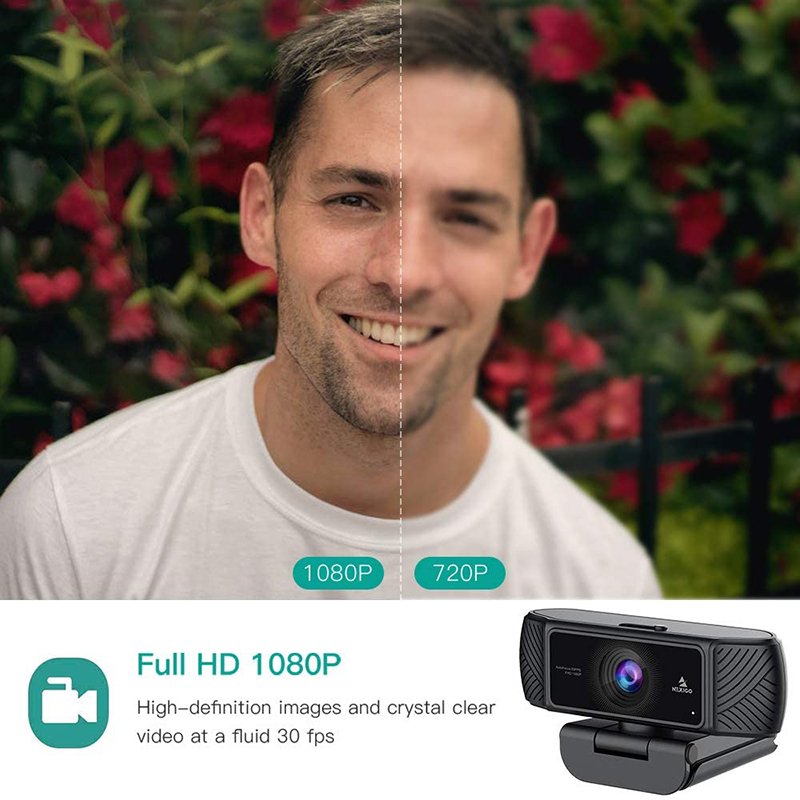
- 【1080P Full HD Webcam & Light Correction】1080P Full HD Webcam due to Automatic Light Correction and HDR technology, Computer webcam auto-adjusts color, and brightness for natural lighting so you always look your best on web camera even in dim light. The 30 FPS quality makes the video more stable and smooth, with no noise and broken images.
- 【Easy Setup】 Easy to set up, right out of the box, don’t need anything to download, The system reads the hardware drivers automatically. Plug your webcam into the USB interface of the PC, wait about 1 minute, the webcam will install automatically.
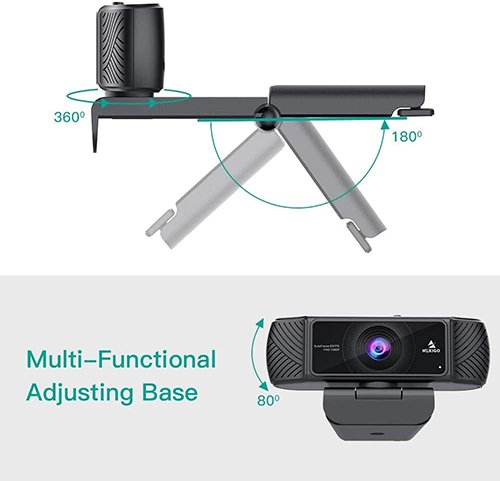
- 【AutoFocus for Sharp Images】Auto focus, get rid of the tedious focusing process.90¡ã Field of View Let you see more during webcam chats–great for telecommuting or multi-person chats. Adjustable viewing angle, The camera rotates not only 360 degrees left and right, but also 180 degrees up and down.
- 【Stereo Microphone】Built-in Stereo microphone captures your voice while filtering out unwanted or unnecessary background noise that can sometimes get in the way. Webcam built-in digital stereo MIC with Automatic Noise Reduction makes the sound purer and clearer.
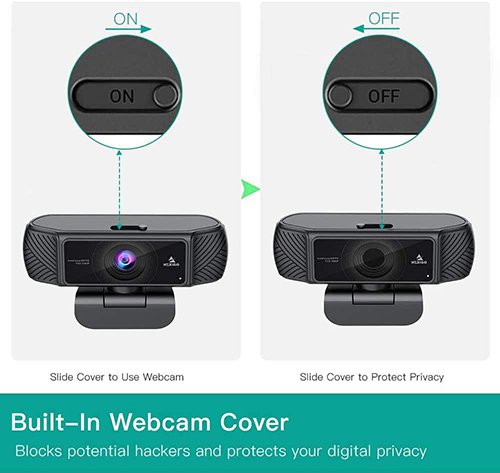
- 【Built-in Privacy Cover】The webcam with a camera cover, the cover protects the camera lens and prevents web hackers from spying on you. Supports standard 1/4 tripod hole.
Security and Privacy:
The privacy cover for the NexiGo PC Webcam covers the lens when it is not in use. It’s perfect to help provide security, and peace of mind to anyone, from individuals to large companies. It also helps to protect the lens from dirt and debris to ensure your video remains clear for the life of the camera.
Noise-Cancelling Technology:
Great for webinars, video conferencing, live streaming, etc. The built-in Noise-canceling microphone reduces ambient noise to enhance the sound quality of your video. Even in noisy surroundings, you can capture the sounds you want.
Take Anywhere:
The sturdy, adjustable, Tripod-ready clip on the NexiGo PC Webcam makes it easy to mount it on laptops or external monitors, or you can even just set it on a flat surface. With the included tripod, you can record anywhere your imagination takes you.
360 Degree Adjustable Rotation:
With the NexiGo webcam, you don’t need to turn your laptop to record what you want, just turn your webcam. With a built-in 360° rotation both right and left, you can easily move the camera to any angle you need. With the free included tripod take your recording anywhere you want!
Works with Most Major Software:
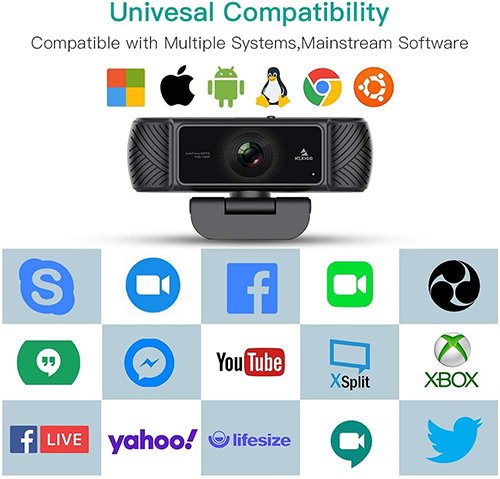
The Mexico webcam is compatible with: Skype, Youtube, Facebook, Xbox One, OBS, Mixer, Zoom, Hangouts, FaceTime, Twitter, Twitch, WhatsApp, Yahoo, MSN, Android, IPTV, and more.