
Best Tools for Digital Artists in 2026 (Software, Tablets & Brush Packs)
Finding the best tools for digital artists in 2026 can feel overwhelming — there are hundreds of apps, tablets, and brush packs on the market, and it is hard to know where to start. Fortunately, you do not need to try everything. In this guide, we cover the six essential tools that make the biggest difference to the quality of your work, whether you are a hobbyist illustrator, an Etsy seller, or a professional creator.
Specifically, we look at professional drawing software, a pen display tablet, and four carefully selected brush packs for Procreate, Photoshop, and Clip Studio Paint. Together, these tools cover everything a digital artist needs to create professional-quality artwork in 2026.
Why the Right Tools Change Everything
Many artists waste hours fighting their tools instead of creating. Consequently, choosing the right software and hardware from the beginning saves an enormous amount of time and frustration. Moreover, professional brush packs add a level of texture and realism to your work that default brushes simply cannot match. In short, investing in the right tools is one of the highest-return decisions any digital artist can make.
With that in mind, here are the best tools for digital artists in 2026 — tested, reviewed, and ready to level up your work.
The Best Tools for Digital Artists in 2026
01 Professional Drawing Software — Clip Studio Paint
To start, no digital art toolkit is complete without reliable drawing software. Clip Studio Paint is widely regarded as the best professional option available in 2026, particularly for illustrators, manga artists, and anyone creating content for Etsy or print-on-demand. It runs on Windows, Mac, iPad, and Android — so it works across virtually every device.
- Works on Windows, Mac, iPad, and Android
- 8,192 pen pressure levels for ultra-natural brushstrokes
- Thousands of free brushes in the community Assets store
- EX version adds animation and multi-page manga support
- Free trial available — no credit card required
02 Drawing Tablet — Huion Kamvas 22 Gen 3
Beyond software, a good drawing tablet is the single biggest upgrade most digital artists can make. Rather than drawing with a mouse (which feels unnatural), a pen display lets you draw directly on the screen — just like drawing on paper. As a result, your lines become more natural, more precise, and more expressive. The Huion Kamvas 22 Gen 3 is our top recommendation for 2026.
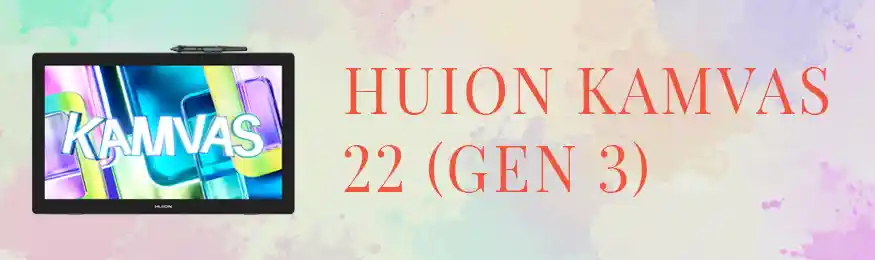
- 21.5-inch Full HD IPS display — big, sharp drawing canvas
- 8,192 pen pressure levels (detects 8,192 different touch strengths)
- Battery-free stylus — no charging required, ever
- ±60° tilt recognition — shade naturally by tilting the pen
- Anti-glare glass reduces reflection during long sessions
- USB-C connectivity for modern laptops and desktops
Must-Have Brush Packs for Every Style
Once you have the right software and hardware, professional brush packs are the next investment that transforms your work. In fact, the difference between default brushes and a premium pack is immediately visible — textures become richer, lines become more characterful, and your art gains a polished, professional look. Below, you will find four outstanding brush packs covering the most popular drawing apps.
Watercolour Brushes for Procreate — Art Watercolor Brushes & Canvases
Watercolour is one of the most popular digital art styles in 2026 — particularly for Etsy sellers creating clipart, greeting cards, and surface pattern designs. Furthermore, this brush pack by polikarpovaart goes beyond simple brushes by including canvas textures that make your digital watercolours look genuinely hand-painted. The result is artwork with real depth and warmth.
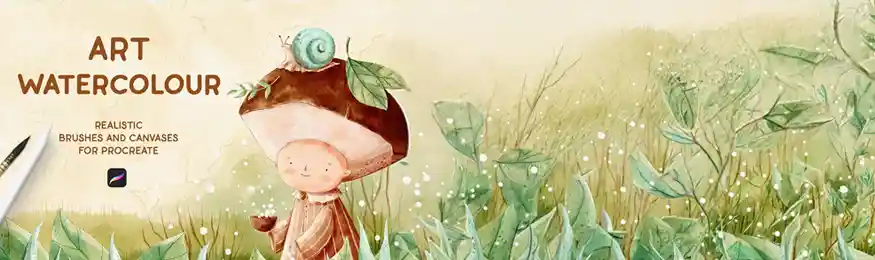
- Watercolour brush presets optimised for Procreate
- Includes canvas textures for a realistic painted look
- Perfect for clipart, stationery, and surface pattern art
- Instant digital download after purchase
Character & Illustration Brushes for Photoshop — Character Brush Box
Photoshop remains a favourite tool among character designers, concept artists, and illustrators. However, the default Photoshop brushes often lack the texture and variety needed for expressive character work. That is precisely where the Character Brush Box by KrisLauren comes in. Moreover, this pack is especially well-suited for artists who create digital portraits, character concepts, or comic-book-style illustrations.
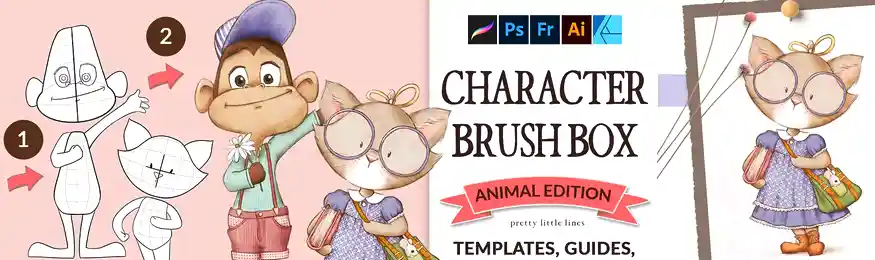
- Designed specifically for Photoshop character work
- Includes inking, shading, and texturing brushes
- Ideal for portraits, character design, and concept art
- Instant digital download after purchase
Oil Pastel Brushes for Clip Studio Paint — Clip Studio Oil Pastel Pack
Oil pastel is a rich, textured art style that looks equally beautiful in print and on screen. Consequently, it has become a popular choice for Etsy wall art, digital stickers, and illustrated posters. Additionally, these oil pastel brushes by pixel-buddha are built specifically for Clip Studio Paint, which means they integrate perfectly with the software and deliver smooth, layered results from the first stroke.
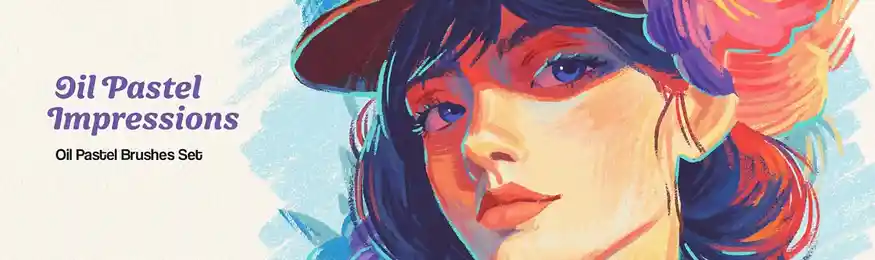
- Built specifically for Clip Studio Paint
- Oil pastel texture — rich, layered, expressive strokes
- Great for wall art, posters, and sticker sheet designs
- Instant digital download after purchase
Bonus Pick — Manga & Multi-App Brushes: Shonen Manga Brushes for Procreate
For artists who love manga, comics, or anime-inspired illustration, the Shonen Manga Brush Pack by mangabrush is an outstanding addition to any toolkit. In particular, it captures the bold inking, dynamic speed lines, and crisp screentone effects that define the shonen manga style. Overall, this is one of the most specialised and effective brush packs available on Creative Market in 2026.
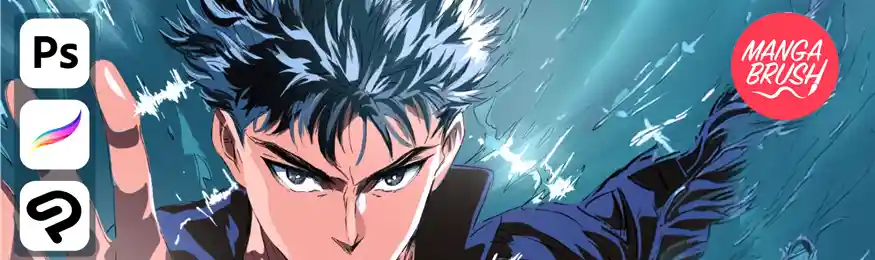
- Manga inking, speed lines, and screentone brushes
- Captures the authentic shonen manga art style
- Great for manga panels, comics, and character illustration
- Instant digital download after purchase
Start with Clip Studio Paint — Free Trial Available
The most cost-effective way to begin is a free trial of Clip Studio Paint. No credit card required. Pair it with any brush pack above and start creating straight away.
Start Your Free Trial →How These Tools Work Together
Each tool in this list builds on the last. First, Clip Studio Paint gives you a professional canvas and brush engine. Next, the Huion Kamvas 22 pen display lets you draw on that canvas naturally with a stylus. Finally, the brush packs transform your default tools into specialised instruments — watercolour for soft organic artwork, character brushes for bold illustration, oil pastel for textured warmth, and manga brushes for dynamic comic-style work.
Together, these six tools form a complete professional digital art toolkit. Moreover, every product in this list is available at a different price point, so you can build your setup gradually rather than investing in everything at once.
Where to Start Depending on Your Level
Not every artist needs all six tools from day one. Therefore, use the guide below to prioritise your purchases based on where you are right now.
- Start with Clip Studio Paint’s free trial
- Pick one brush pack that suits your style
- A basic screenless tablet is enough to begin
- Focus on learning before upgrading hardware
- Upgrade to Clip Studio Paint PRO (paid)
- Add the Huion Kamvas 22 for a better drawing feel
- Invest in 2–3 brush packs for your preferred styles
- Explore the free Assets store inside Clip Studio
- Use Clip Studio Paint EX for multi-page projects
- Pair with Huion Kamvas 22 for faster production
- Watercolour and oil pastel packs sell best on Etsy
- Build a library of brush packs to diversify your style
Frequently Asked Questions
What software do most digital artists use in 2026?
Clip Studio Paint, Procreate (iPad only), and Adobe Photoshop are the three most widely used drawing apps in 2026. Among these, Clip Studio Paint stands out as the most versatile option because it runs on Windows, Mac, iPad, and Android. Furthermore, it offers professional tools at a much lower cost than Adobe’s subscription plans. Overall, it is the top recommendation for artists who want serious software without a serious price tag.
Are paid brush packs worth buying?
In most cases, yes. Default brushes in drawing apps are functional, but they are designed to be generic. Paid brush packs, on the other hand, are crafted by professional artists for specific styles — watercolour, manga, character illustration, and so on. As a result, the texture, weight, and feel of each stroke is noticeably better. Moreover, for Etsy sellers, a distinctive brush style helps your artwork stand out in a crowded marketplace.
Which drawing tablet is best for beginners in 2026?
The Huion Kamvas 22 Gen 3 is an excellent choice for beginners who want to draw directly on screen. However, if budget is tight, a screenless pen tablet (such as the Huion Inspiroy series) offers a more affordable entry point. Either way, any pen tablet dramatically improves the drawing experience compared to using a mouse. Therefore, even a basic tablet is worth the investment when you are starting out.
Can Procreate brushes be used in other drawing apps?
Generally, no — Procreate brushes are in a proprietary format (.brush) that only works inside Procreate on iPad. However, many Creative Market sellers offer brush packs in multiple formats. For example, some packs include versions for Photoshop (.abr), Clip Studio Paint (.sut or .zip), and Procreate in the same download. Consequently, if you use multiple apps, look for bundles that explicitly list compatibility with each one.
Final Verdict: The Best Tools for Digital Artists in 2026
Our Recommendation
The best tools for digital artists in 2026 are the ones that work together as a system. Start with Clip Studio Paint as your core software — it is powerful, affordable, and cross-platform. Next, pair it with the Huion Kamvas 22 Gen 3 for a natural pen-on-screen drawing experience. Then, pick one or two brush packs that match your style: the Art Watercolor Brushes for soft organic work, the Character Brush Box for Photoshop illustration, the Clip Studio Oil Pastel Pack for rich textured art, or the Shonen Manga Brushes for bold comic-style work.
Altogether, this toolkit gives you everything you need to create professional digital art — without overspending or overcomplicating your setup.
This post contains affiliate links. DivinеWorks may earn a small commission if you purchase through these links — at no extra cost to you. We only recommend products we genuinely believe in.