
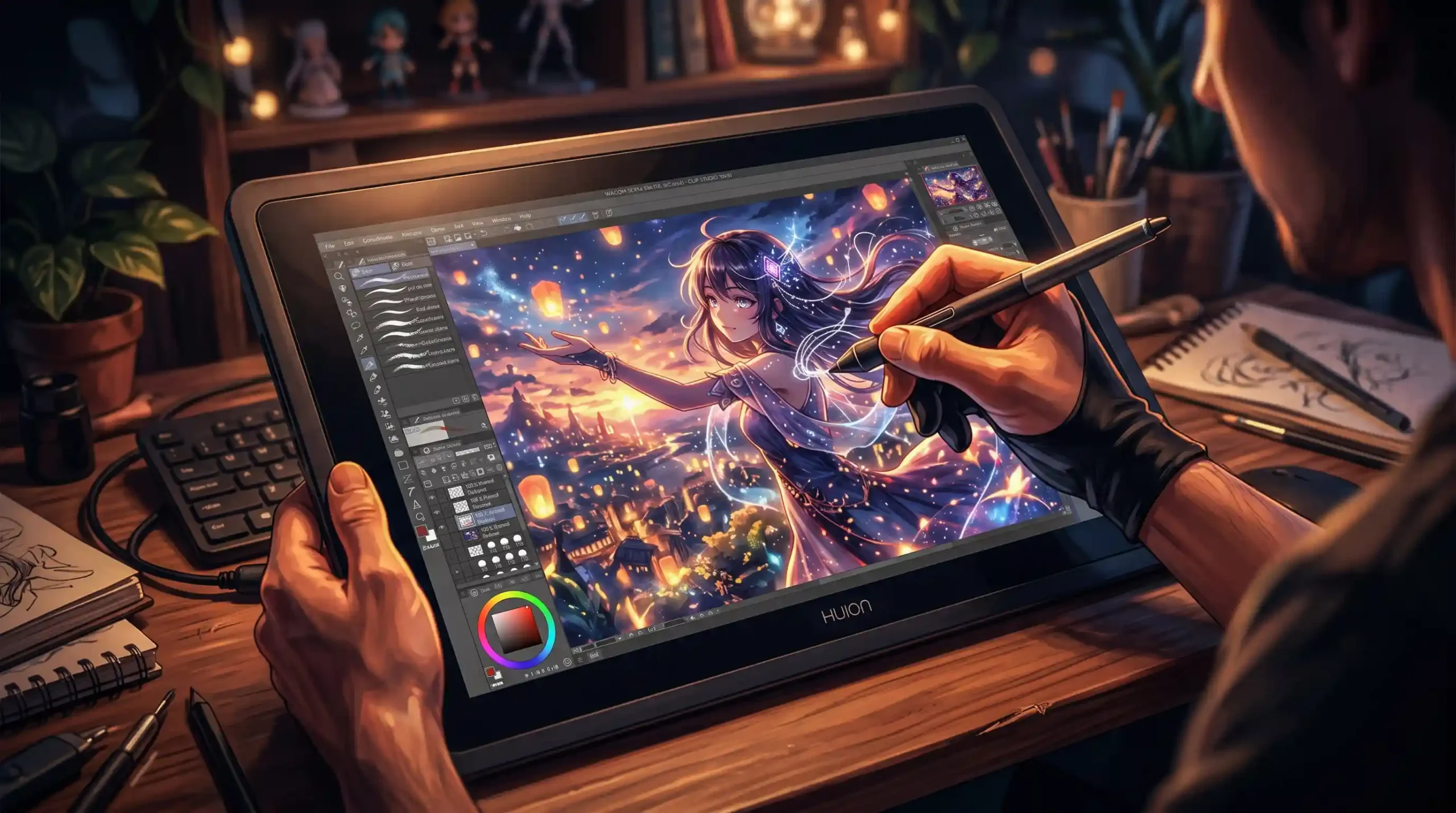
That was me, three years ago. Sitting at a desk covered in sketchbooks, trying to recreate hand-drawn illustrations in Photoshop with a mouse. If you’ve tried that, you know how it ends. Wobbly lines. Constant undos. The creeping feeling that your digital work will never look as natural as the scribbles in your notebook.
I told myself I just needed more practice. More tutorials. A better brush preset, maybe.
I was wrong. I needed a different tool.
The Afternoon Everything Changed
A friend visited my studio — she’s a full-time illustrator — and watched me wrestle with a logo concept for about twenty minutes. She didn’t say anything. She just reached into her bag, pulled out a drawing tablet, plugged it into my laptop, and handed me the pen.
“Just try it.”
I drew a curve. One single curve. And it looked exactly like the curve I had in my head.
No fighting the mouse. No fighting the software. Just — the line I wanted, where I wanted it.
I finished that logo in forty minutes. A job that had been sitting on my desk for two days.
I asked her what tablet it was. She told me. I went home and ordered one that same night.
That was a Huion pen display. And it’s been on my desk every single day since.
Why It Works When Everything Else Doesn’t
Here’s what nobody tells you when you’re learning digital design: the tool matters. Not in a gear-obsession way. In a hand-eye coordination way.
Your brain has spent your entire life learning to draw by watching your hand. Move the pencil left, the line goes left. Press harder, the line gets darker. That feedback loop is hardwired. A mouse breaks it completely — your hand goes one direction, your eyes watch something different happen on a screen two feet away.
A pen display restores it. Your hand moves, and your line appears right there, under the pen tip. The connection between intention and output becomes immediate again.
It’s not magic. It’s just getting out of your own way. The Huion tablet removes the translation layer between your hand and your art — and what’s left is just you and the work.
The pressure sensitivity means light strokes stay light and heavy strokes land with weight — exactly like real media. The anti-sparkle glass has a paper-like texture under the pen, so it even feels like drawing, not like sliding a stylus across a piece of cold glass.
The Projects That Followed
I’m not going to pretend the tablet made me a better designer overnight. But it removed a friction I didn’t even know was slowing me down.
Logos that used to take a full day started taking a morning. Client illustration revisions that felt like pulling teeth became genuinely enjoyable. I started accepting lettering projects I’d been avoiding because I knew the execution would frustrate me.
And the strangest thing happened: I started enjoying the digital part of the process. Not just tolerating it to get to the final file.
My friend still laughs about that afternoon. She says she knew within thirty seconds of watching me work with a mouse that a tablet would change things for me. “You draw like a person,” she said. “You were just using the wrong input device.”
If Any of This Sounds Familiar…
If you’ve ever felt like your digital work doesn’t look as natural as your sketches, if you’ve ever redrawn the same curve seven times trying to get it right with a mouse, if you’ve ever watched a speed art video and thought “how are their lines so clean” — the answer is almost certainly a pen display.
It won’t replace skill. But it’ll stop the tool from fighting your skill.
Huion is where I’d start. The value compared to the alternatives is genuinely hard to argue with, and the quality is exactly what working designers need. Whether you’re a freelancer, a student, or a full-time creative who’s been putting this purchase off — it’s worth it.
You Were Meant To?