
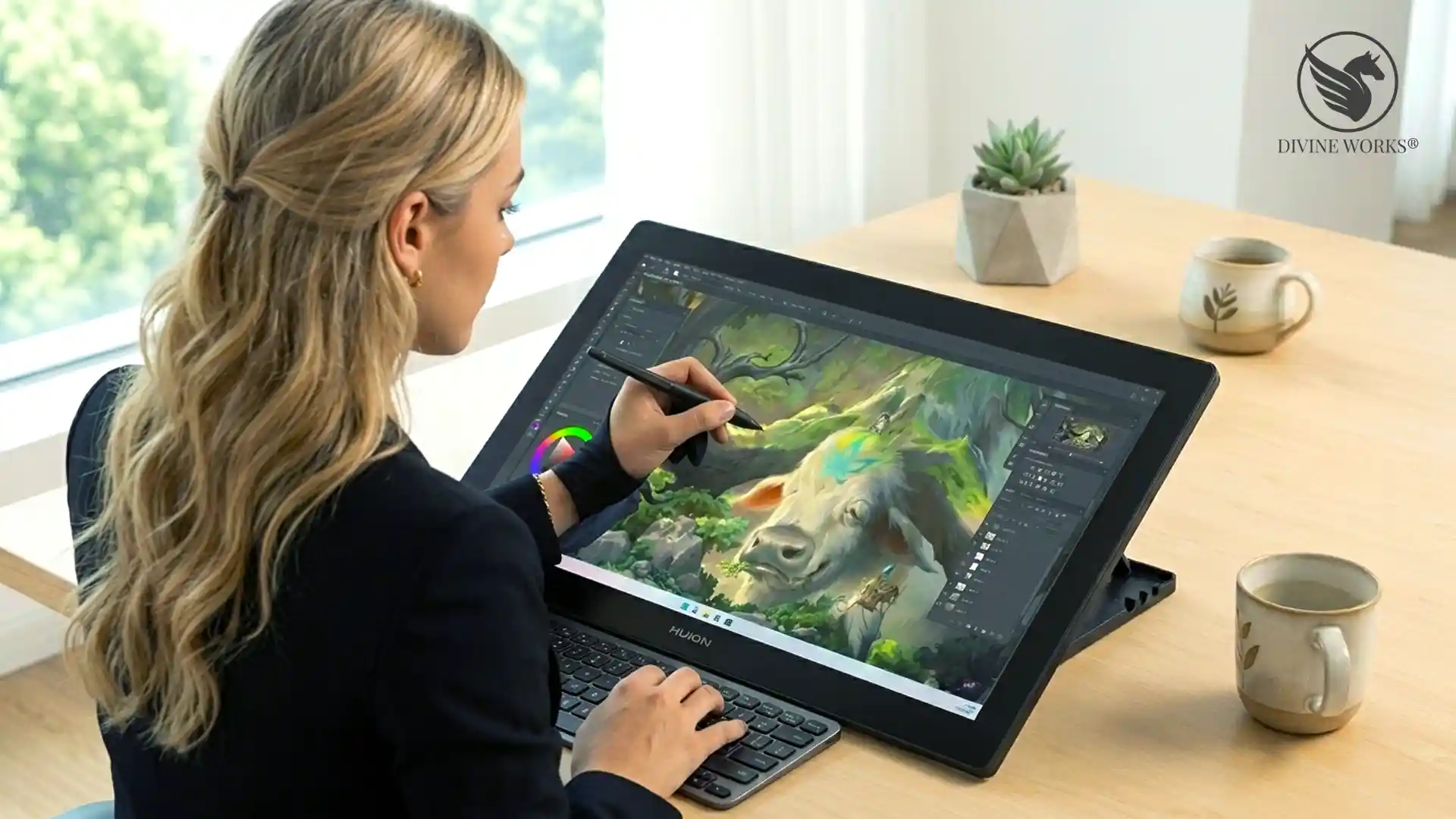
When comparing Huion vs Wacom for the best drawing tablet in 2026, the result is clearer than ever — Huion delivers professional-grade performance at a price that makes Wacom’s entry-level models look overpriced. Both brands now offer 8192 levels of pen pressure — that is the sensitivity that makes digital drawing feel natural and responsive, like a real pen on paper — along with tilt recognition and full compatibility with Photoshop, Illustrator, Procreate, and Clip Studio Paint. However, Huion’s 2026 lineup closes the quality gap so significantly that paying the Wacom premium is difficult to justify for most digital artists, creators, and Etsy sellers.
In this guide, we compare Huion and Wacom head-to-head, then review the five best Huion drawing tablets available right now — from affordable beginner options to professional studio displays.
What this guide covers: a direct Huion vs Wacom comparison across price, pen performance, display quality, and software compatibility — plus reviews of the five best Huion tablets for digital artists in 2026 at every budget level.
Huion vs Wacom — Head-to-Head Comparison (2026)
| Huion | Wacom | |
|---|---|---|
| Pen Pressure Levels | 8192 ✦ | 8192 ✦ |
| Entry-Level Price | From ~$60 ✓ | From ~$100 |
| Pen Display (Mid-Range) | From ~$200 ✓ | From ~$400 |
| Tilt Recognition | Yes ✦ | Yes ✦ |
| Battery-Free Stylus | Yes ✦ | Yes ✦ |
| Software Compatibility | All major apps ✦ | All major apps ✦ |
| Display Resolution (Mid) | 2.5K QHD ✓ | Full HD |
| Value for Money | Excellent ✓ | Average |
| Brand Reputation | Growing fast | Established ✓ |
5 Best Huion Drawing Tablets for Digital Artists 2026
Here are the five best Huion drawing tablets available in 2026, covering every budget and use case from beginner Etsy sellers to professional digital artists.
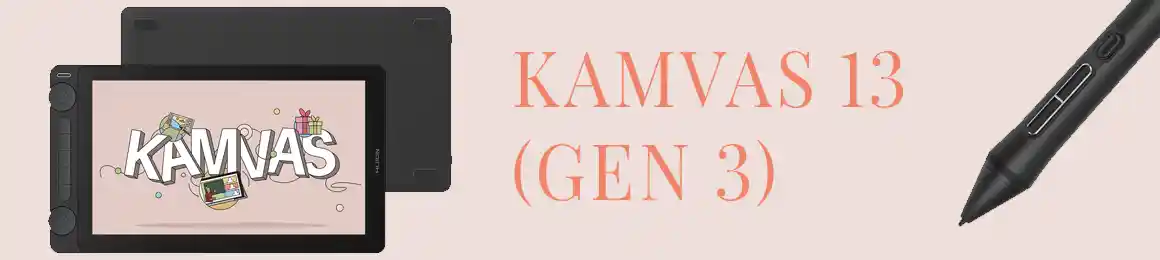
1. Huion Kamvas 13 — Best Entry-Level Pen Display
The Huion Kamvas 13 is the best entry-level pen display for digital artists who want to draw directly on screen. Furthermore, it does this without the Wacom price tag. The 13.3-inch Full HD display — that is standard 1080p, the same sharpness as most laptop screens — delivers accurate colour reproduction. It is more than sufficient for illustration work, digital downloads, and Canva designs. In fact, the battery-free stylus (no charging needed — ever) offers 8192 levels of pen pressure and tilt recognition — the same spec as tablets costing three times as much.
Specifically, this tablet suits Etsy sellers who are just starting to create digital products. They want a proper pen display without a large upfront cost. Additionally, the compact size makes it easy to use alongside a laptop. As a result, it is ideal for sellers who work from a small desk or travel regularly.
Pro tip: If you primarily work in Canva or Procreate on an iPad, a pen display like the Kamvas 13 is the most natural step up — you draw directly on screen exactly as you would on an iPad, but with a full desktop setup and commercial software access.
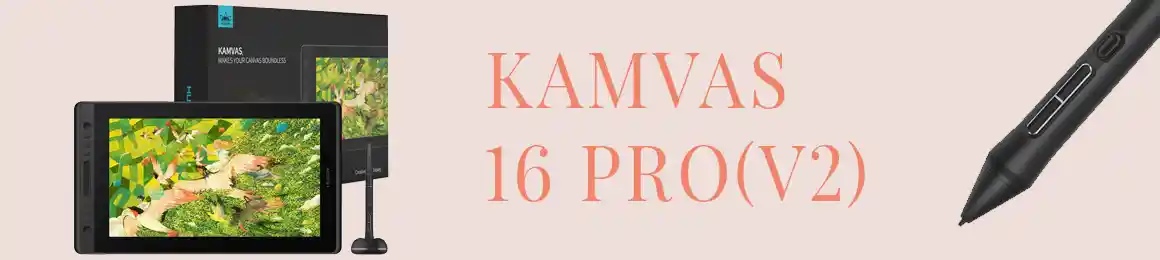
2. Huion Kamvas Pro 16 — Best Mid-Range Pen Display
The Huion Kamvas Pro 16 is the best-selling Huion tablet for a reason. Indeed, it hits the perfect balance between screen size, resolution, and price. Moreover, the 2.5K QHD display — roughly 2560×1440 pixels, noticeably sharper than a standard 1080p screen — is sharper than anything Wacom offers at a comparable price. It is an outstanding choice for detailed illustration, digital painting, and creating high-resolution digital downloads.
For Etsy sellers in the art print and surface pattern design niches, the Kamvas Pro 16 is the tablet professionals actually use. In addition, the 15.8-inch display gives you enough room to work comfortably. Therefore, you will not need a separate monitor for reference.
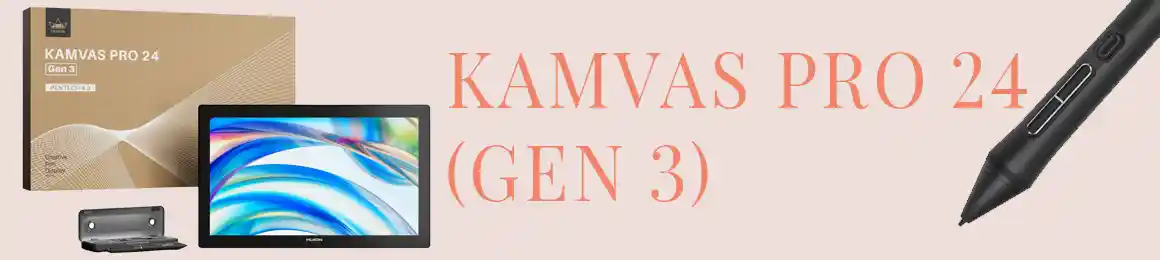
3. Huion Kamvas Pro 24 — Best Professional Pen Display
The Huion Kamvas Pro 24 is the professional’s choice. It features a 23.8-inch QHD display built for illustration studios and concept artists. Consequently, if you are creating large-format digital art or professional Etsy print files, this tablet removes all workflow limitations.
Furthermore, the Pro 24 features full lamination — meaning the glass and screen layers are bonded together with no air gap between them. This eliminates parallax, which is the slight visual offset between where your pen tip touches and where the line actually appears. On cheaper displays, this offset can feel distracting. As a result, your lines go exactly where you intend, even at the very edges of the screen.
Worth knowing: A pen display requires a connected computer to function — it is a monitor with pen input, not a standalone device. If you want a tablet that works without a computer, see the Huion Kamvas Studio below, or consider the Huion Inspiroy 2 as a screenless option.
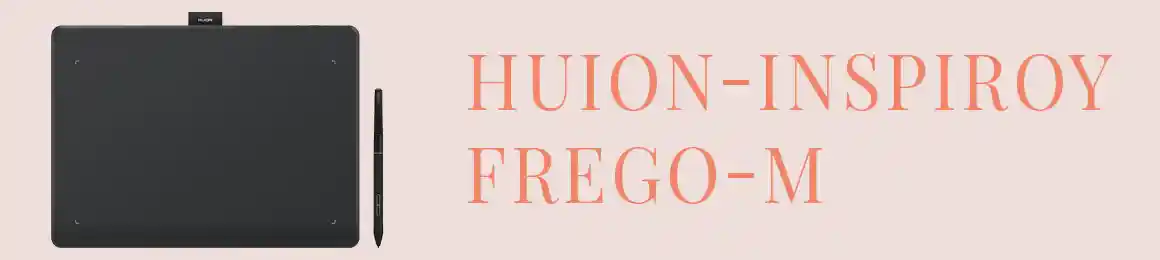
4. Huion Inspiroy 2 — Best Budget Pen Tablet
Not every digital artist needs to draw on screen. Instead, the Huion Inspiroy 2 is a screenless pen tablet — think of it like a digital drawing pad. You move the pen across its surface and the cursor on your monitor follows. It is the best budget option for anyone just getting started with digital art. It also suits creators who work primarily in Canva, Photoshop, or Illustrator.
Moreover, screenless tablets have a clear advantage for Etsy sellers who work long hours. First, they are lighter and generate no heat. Second, they let you look at your reference screen without your arm blocking the view. Therefore, many professional illustrators actually prefer screenless tablets even when they can afford displays.
5. Huion Kamvas Studio — Best All-in-One Standalone Tablet
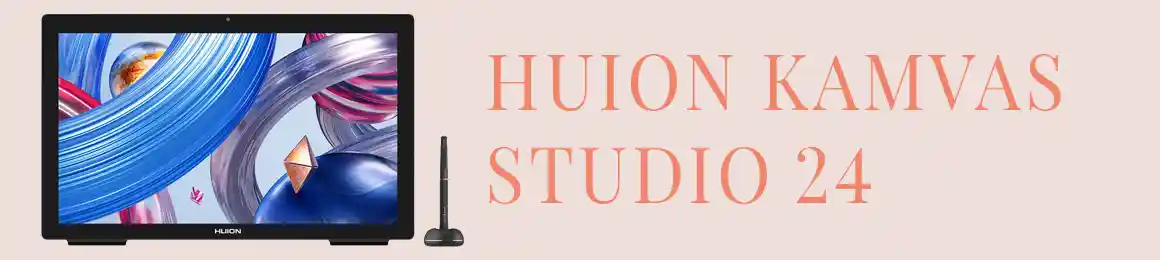
The Huion Kamvas Studio is in a category of its own. Specifically, it is a fully standalone pen display with a built-in computer. As a result, it operates independently without connecting to a laptop or desktop. In short, it is the closest Windows equivalent to a large-screen iPad Pro — and significantly more powerful for running professional creative software.
For digital artists who want one device for illustration, design, and Etsy shop management, the Kamvas Studio is the premium answer. Additionally, it is an excellent choice for sellers who exhibit at craft fairs. Since there is only one device to carry, travelling with it is straightforward.
Huion vs Wacom — Which Should You Buy in 2026?
The honest answer depends on your budget and use case. However, for the vast majority of digital artists, hobbyists, and online sellers, Huion is the clear winner in 2026.
Choose Huion If…
Choose Huion if: you want professional pen sensitivity at a fair price. Also choose Huion if you create digital art, illustrations, or products to sell online. Furthermore, it is the right choice if you are upgrading from an iPad and want a full desktop drawing experience without overspending.
Choose Wacom If…
Choose Wacom if: you work in a professional studio where brand familiarity matters. Additionally, Wacom makes sense if your employer already provides their equipment. Finally, choose Wacom if you specifically need the Cintiq Pro’s colour accuracy for commercial print production work.
For everyone else — beginners, hobbyists, digital artists, and creative freelancers — Huion offers better value. Moreover, it delivers comparable pen performance and, in many cases, superior display resolution. Consequently, the Wacom premium is increasingly difficult to justify in 2026.
Related reading: If you are an Etsy seller looking for the full toolkit beyond just a drawing tablet, read our complete Etsy Seller Toolkit 2026 — covering every tool, course, and AI resource you need to scale your shop.
Frequently Asked Questions
Is Huion as good as Wacom in 2026?
Yes, for most use cases. Both brands now offer 8192 levels of pen pressure, battery-free styluses, and full compatibility with all major creative software. Furthermore, Huion’s mid-range displays offer higher resolution than comparable Wacom models. As a result, the performance gap is essentially negligible for digital artists and Etsy sellers.
Which Huion tablet is best for beginners?
The Huion Kamvas 13 is the best starting point for beginners who want to draw on screen. Alternatively, if you prefer a screenless option at a lower price, the Huion Inspiroy 2 is the ideal choice. Additionally, both tablets include the same pen pressure technology found in professional models.
Do Huion tablets work with Procreate?
Procreate is an iPad-only app and does not run on Windows or Mac with a Huion tablet. However, Huion tablets work perfectly with Clip Studio Paint, Adobe Photoshop, Illustrator, Affinity Designer, and Krita. In fact, all of these offer comparable or superior functionality to Procreate for professional illustration work.
Can I use a Huion tablet for my Etsy shop?
Absolutely. In fact, thousands of Etsy sellers use Huion tablets to create digital downloads, clipart bundles, surface patterns, SVG files, and print-on-demand designs. Moreover, a pen display allows you to draw naturally and produce high-quality art. Consequently, your Etsy products will stand out across every niche.
What is the difference between a pen display and a pen tablet?
A pen display (like the Kamvas series) has a screen — you draw directly on it and see your work under the pen tip. In contrast, a pen tablet (like the Inspiroy 2) has no screen — you draw on a surface and see the result on your separate monitor. Overall, pen displays are more intuitive for beginners, while pen tablets are lighter and often preferred by experienced artists.
For the best drawing tablet in 2026, Huion wins on value across the board. Start with the Kamvas 13 if you are on a tight budget, or go straight to the Kamvas Pro 16 if you are serious about your digital art or Etsy business — the 2.5K display alone makes it worth every penny. Wacom still has brand prestige, but in 2026, Huion has the better product at the better price.
Which drawing tablet do you use for your digital art or Etsy shop? Let us know in the comments — and if you are deciding between models, drop your question below and we will help you choose.