
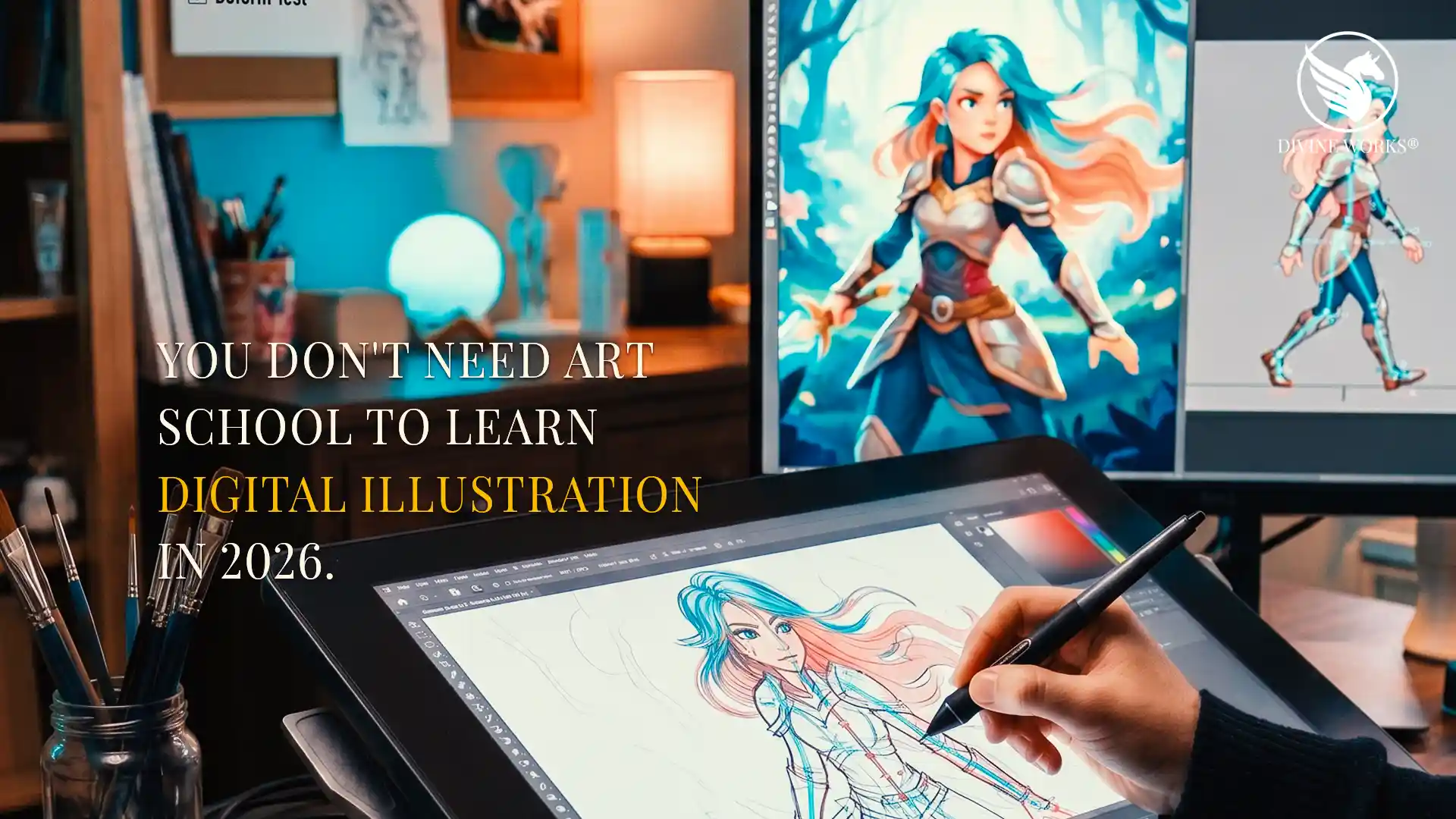
How to Learn Digital Illustration Online in 2026 (Best Courses + Software)
The best time to learn digital illustration online was five years ago. The second best time is right now — because the tools, courses, and communities available in 2026 make the process faster, more affordable, and more structured than ever before. Whether you are starting from absolute zero or transitioning from traditional art, a focused online course paired with the right software will take you further in three months than years of self-guided tutorials ever could.
Specifically, this guide covers four of the best Udemy courses for learning digital illustration, plus the software that gives beginners the smoothest possible starting point. Together, they form a complete learning path — from your first digital line to creating artwork that is genuinely worth selling.
What You Actually Need to Get Started
Before diving into course recommendations, it helps to understand what learning digital illustration actually requires. Fortunately, the barrier to entry is lower than most people expect.
- A drawing tablet — an entry-level Wacom or Huion tablet is sufficient to start. You do not need a screen tablet immediately.
- Digital illustration software — more on this below, but Clip Studio Paint is the top recommendation for beginners and professionals alike.
- A structured course — random YouTube tutorials teach isolated techniques. A proper course builds skills in the right sequence so everything connects.
Of course, motivation matters too. However, when you have the right course and the right software, motivation tends to follow naturally — because you start seeing real progress within your first few sessions.
The Best Courses to Learn Digital Illustration Online in 2026
The four courses below have been selected because they each target a specific stage of the illustration learning journey — from absolute beginner fundamentals through to advanced character design. Moreover, all four are available on Udemy, which means they frequently go on sale for under $15. Working through them in order gives you a complete, structured education in digital illustration.
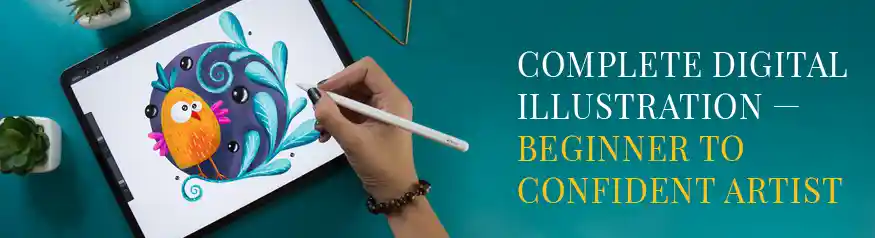
- Digital illustration fundamentals built from the ground up
- Colour theory, light, shadow, and composition basics
- Hands-on projects completed throughout the course
- Compatible with Clip Studio Paint, Procreate, and Photoshop
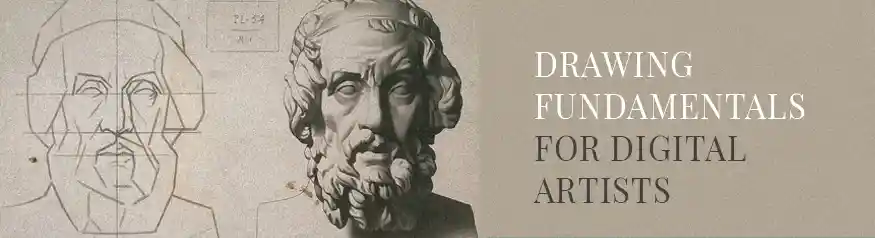
- Line confidence, form, and perspective for digital tools
- Gesture drawing and figure proportions from scratch
- Traditional principles adapted for tablets and styluses
- Essential foundation for character and concept art
- Full Clip Studio Paint interface and workflow walkthrough
- Inking, colouring, and brush customisation techniques
- Layer management for clean, professional illustration files
- Export settings for print, web, and digital product sales
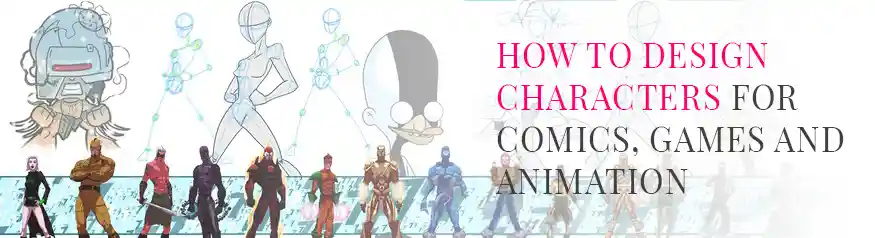
- Character proportion, expression, and personality design
- Develop a signature illustration style for your creative brand
- Turn original characters into sellable Etsy digital products
- Works with Clip Studio Paint, Procreate, and Illustrator
Which Software Should You Learn Digital Illustration On?
Choosing the right software before you start learning saves you from having to relearn everything later on a different platform. There are several solid options available in 2026, but one stands above the rest for beginners who want professional results without a steep learning curve.
Other options worth knowing about include Procreate (iPad only), Adobe Fresco, and Krita (free, open-source). However, for most beginners who want a clear path from learning to earning, Clip Studio Paint on a desktop or laptop offers the best balance of professional capability and manageable learning curve.
Your Step-by-Step Learning Path
Rather than jumping between courses randomly, follow this sequence to build skills in the right order. Each step reinforces the previous one, so by the time you reach character design you will have a solid foundation under everything you create.
Frequently Asked Questions
Can I learn digital illustration online with no drawing experience?
Absolutely. The Drawing Fundamentals for Digital Artists course is designed specifically for people who feel they “can’t draw” — it builds the skill systematically rather than assuming any prior ability. Moreover, drawing on a tablet with undo and layers removes much of the pressure of traditional drawing. Most beginners are surprised by how quickly their confidence develops when they follow a structured programme rather than trying to figure it out alone.
Is Clip Studio Paint better than Procreate for learning digital illustration?
It depends on your device. Procreate is iPad-only and is an excellent choice for tablet users who prefer a touch-and-stylus workflow. Clip Studio Paint, on the other hand, runs on Windows, Mac, iPad, and Android — making it far more versatile. For desktop users especially, Clip Studio Paint offers more advanced features, a richer brush engine, and better support for comic and character art workflows. The Clip Studio Paint Udemy course covers the full desktop version in depth.
How long does it take to learn digital illustration online?
Most dedicated beginners reach a competent, confident level within three to six months of consistent practice — roughly one hour per day. Following the structured path outlined above (fundamentals first, then software, then style development) is significantly faster than learning without a plan. Notably, the goal is not perfection — it is reaching a level where you can create finished work you are proud of and, if you choose, start selling on platforms like Etsy.
Can I sell digital illustrations on Etsy after completing these courses?
Yes — and many students do exactly that. After working through the Complete Digital Illustration and Character Design courses, you will have the skills to create original clipart packs, sticker sets, printable wall art, and illustration bundles. These are among the most consistently in-demand digital product categories on Etsy. The combination of illustration skills and character design gives you a distinctive style that commands higher prices than generic template-based products.
Final Verdict — Your Fastest Path to Becoming a Digital Illustrator
If you are completely new to digital illustration, start with Drawing Fundamentals for Digital Artists and build the foundational skills that everything else depends on. Skipping this step is the most common mistake beginners make — and the one that causes most people to stall after a few months.
Once your foundations are solid, move into the Complete Digital Illustration course to start creating finished artwork, and pair it with the Clip Studio Paint course to master your tools at the same time.
Finally, the Character Design course is where your skills become a commercial asset — giving you a signature style and the ability to create sellable digital products with confidence. Together, these four courses represent the most structured and affordable path to learning digital illustration online in 2026.