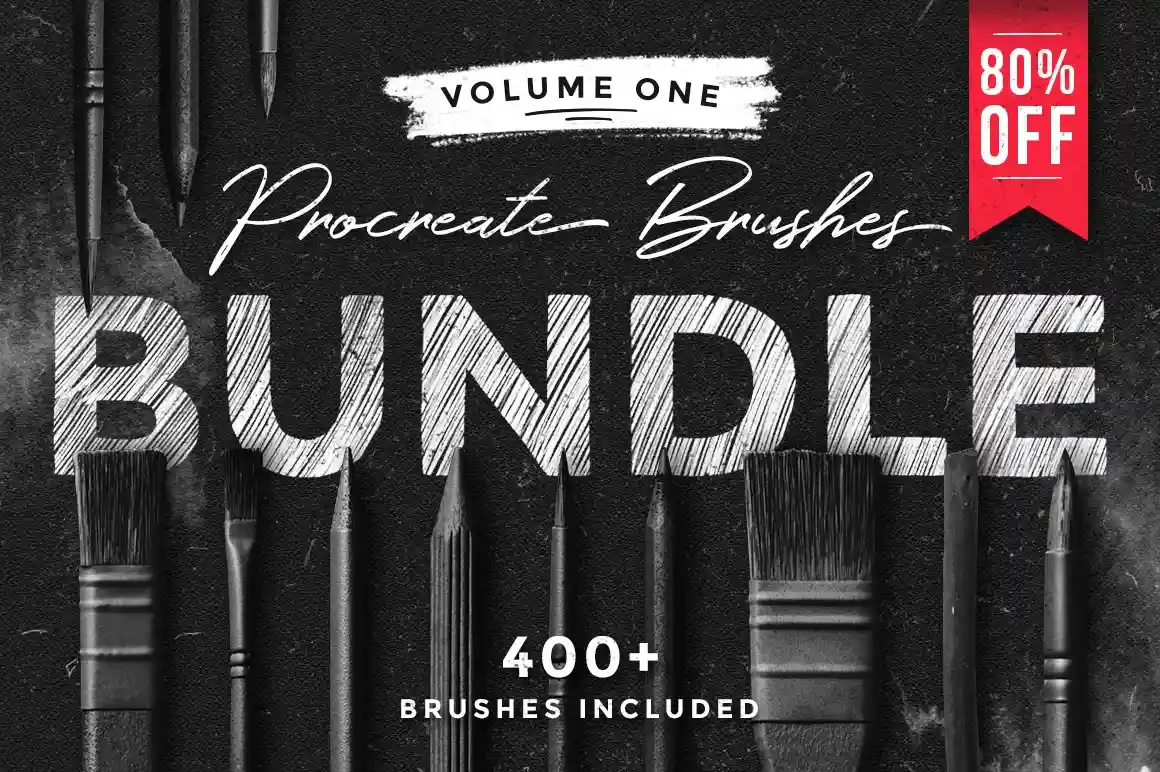
If you use Procreate on iPad, your brush library determines everything — the textures you can create, the styles you can explore, and how quickly you can bring an idea to life. The MiksKS Procreate Brushes Bundle on Creative Market has built a reputation as one of the platform’s most downloaded brush collections, and for good reason.
More than 400 brushes. 20+ artistic mediums. Free lifetime updates. One price.
Created by MiksKS — one of Creative Market’s most prolific and trusted brush designers — this bundle collects every brush set from the studio into a single, heavily discounted package. What you get is a complete artistic toolkit: from rough charcoal sketches to smooth watercolour washes, glitch effects to vintage engravings, neon lights to natural pencil marks.
Each brush set arrives in .brushset format, organised into clearly labelled folders inside Procreate. There’s no digging through messy libraries — you open the folder you need and get to work.
Important: These brushes are designed exclusively for Procreate on iPad (iOS). They are not compatible with Photoshop, Illustrator, or other software.
Not ideal if you only need one specific medium — MiksKS sells individual sets too. But if you’re serious about digital art on iPad, the bundle price makes individual purchases look expensive by comparison.
Every set inside the bundle covers a distinct artistic medium or effect. Here’s the full breakdown:
| What You Get | Details |
|---|---|
| Total brushes | 400+ across all sets |
| Brush categories | 20+ distinct artistic mediums |
| File format | .brushset — installs directly into Procreate |
| Organisation | Each set in a separate, labelled folder |
| Compatibility | Procreate on iPad (iOS only) |
| Updates | Free lifetime updates via Creative Market |
| Licence | Commercial use included |
| Price | $45 (bundle) vs. $226 (individual sets) |
Use the watercolour and ink sets to create hand-painted brand illustrations for Instagram and Pinterest. The organic textures are impossible to replicate with standard digital tools — clients pay a premium for this aesthetic.
The sketching, pencil, and chalk brushes are ideal for hand-lettering projects. Sketch the layout on paper, refine it digitally in Procreate, and deliver a polished final asset — in half the time.
The grain, grunge, and halftone brushes create print-ready textures that work beautifully on packaging design, poster art, and editorial layouts. Export at 300dpi and use directly in print-ready files.
Use the pattern and stamp brushes to build repeating tile patterns for fabric, wallpaper, and Redbubble or Society6 products. The commercial licence covers digital product sales.
The sketching and charcoal sets make Procreate feel like a real sketchbook. Perfect for concept designers, art directors, and anyone who thinks better with a pencil than a mouse.
The whole process takes under 5 minutes. If you purchase a future update, re-download from your Creative Market purchases page and repeat.
Does this work on Procreate Pocket (iPhone)?
Procreate Pocket on iPhone supports .brushset files, so most brushes should import and function. However, the bundle is tested and optimised for Procreate on iPad.
Can I use these brushes for commercial client work?
Yes — a commercial licence is included with every Creative Market purchase. You can use the brushes in client work, sell artwork created with them, and include them in digital products. Check the product listing for any broadcast or large-scale print run restrictions.
What happens when new brush sets are added?
MiksKS adds new sets to the bundle over time. When they do, you’ll receive a notification from Creative Market. Re-download the updated bundle from your purchases page at no extra cost.
Is 400 brushes too many? Will it slow down Procreate?
Procreate handles large brush libraries well. The brushes are stored in separate .brushset folders, so you only load the sets you need. You can also hide unused sets inside Procreate to keep the library clean.
Can I get a refund if they don’t work for me?
Creative Market has a buyer protection policy. If the files don’t work as described, contact Creative Market support directly. Review the full refund policy on the product page before purchasing.
If you use Procreate seriously — for client work, digital products, or your own creative practice — the MiksKS Procreate Brushes Bundle is one of the best-value purchases on Creative Market. 400+ brushes at $45 works out to roughly 11 cents per brush.
The free lifetime updates mean the library keeps growing after you buy. The commercial licence means you can use it in everything you sell. And the fact that it’s been a consistent bestseller on Creative Market for years tells you everything about its quality.
Stop buying brush packs one at a time. Get the bundle and build your permanent Procreate library today.
Discover the hottest graphic design and 2D animation trends dominating 2026 — from hand-drawn imperfection…
Ditch the subscriptions! We review the best free graphic design software, including top Adobe alternatives…
The advent of artificial intelligence has significantly amplified the capabilities of content creators, particularly through…
Disclosure: This post contains affiliate links. If you purchase through our links we may earn…
AI video generation is not possible without a proper AI Video Workflow. Often, it feels…
Discover the best digital art toolkit for 2026. We review why Clip Studio Paint and…