
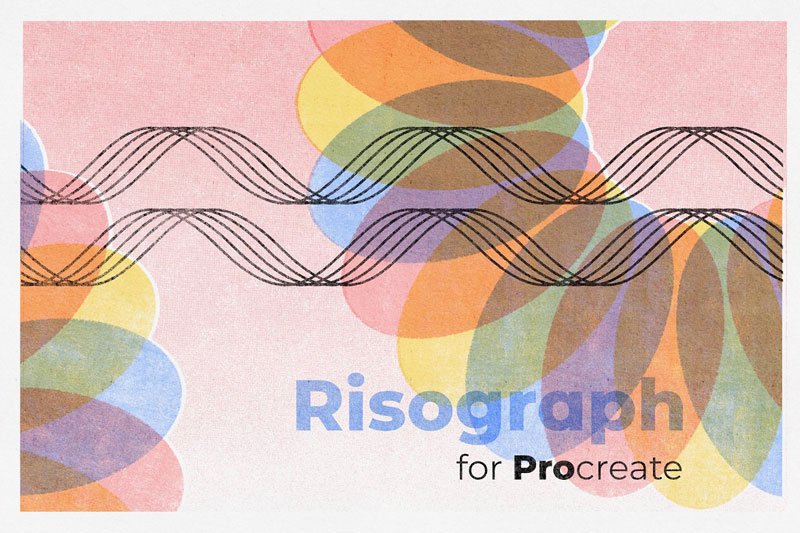
Risograph for Procreate
About the Product:
If you love the look of Riso prints and you’d like to recreate the look in Procreate, then this set is a MUST!
Risograph for Procreate includes a set of Riso texture brushes that make it easy to get a Riso effect in Procreate. The Riso Texture Brushes are pressure sensitive giving you complete control of the look and feel of your piece. I’ve also included FOUR Paper Texture Overlay Brushes so that you can boost the realism of your Procreate Riso. There are also five extra brushes, for creating your initial design.
The set also includes a comprehensive PDF tutorial that will get you started.
The Brushes:
- Basic Paper Overlay.
- Favorite Paper Overlay.
- Subtle Paper Overlay.
- Instant Cheats Riso Overlay.
- Super Light Riso Shade.
- Super Light Riso.
- Light Riso Shade.
- Light Riso.
- Dense Riso Shade
- Dense Riso.
- Dark Riso Shade
- Dark Riso.
- Flat Riso Shade
- Flat Riso.
- Flat Dark Riso Shade.
- Flat Dark Riso.
- Noise.
- Squid Ink Monoweight.
- Squid Ink.
- Crispy Crayon Monoweight.
- Crispy Crayon.
IMPORTANT: These brushes are only compatible with PROCREATE APP for iPad.
After downloading Risograph for Procreate, you will need to unzip these files to access the contents. The zip file contains both zipped folders of the brushes as well as one Procreate Brush Set File which you can install directly as an entire brush set. It is up to you how you prefer to install them.