Best Canva Courses Online in 2026 (For Etsy Sellers & Digital Creators)
Canva is the most widely used design tool among Etsy sellers — and for good reason. Editable templates, printable planners, social media kits, and digital downloads can all be built in Canva and listed on Etsy as passive income products. With over 2.6 million learners enrolled in Canva courses online, it is also the most in-demand design skill for creators right now. Furthermore, the best Canva courses take you beyond the basics and show you exactly how to use Canva to generate consistent income — not just make things that look nice.
This guide covers the best Canva courses online in 2026, ranked by who they are best suited to — from complete beginners who have never opened the app through to creators ready to build a full Canva template business on Etsy.
Why Canva is the Best Starting Point for Etsy Sellers
Canva templates are one of the fastest-growing digital product categories on Etsy in 2026. Buyers purchase editable Canva templates for everything from wedding invitations and business cards to Instagram reels, weekly planners, and Etsy shop banners. Because templates can be sold an unlimited number of times from a single design, they are one of the most scalable income streams available to a digital creator.
Unlike Adobe Illustrator or Procreate, Canva requires no prior design experience to start. The learning curve is short, the tool is browser-based, and the income potential scales quickly once you understand what sells. These courses teach both the tool and the strategy.
Best Canva Courses Online — Ranked
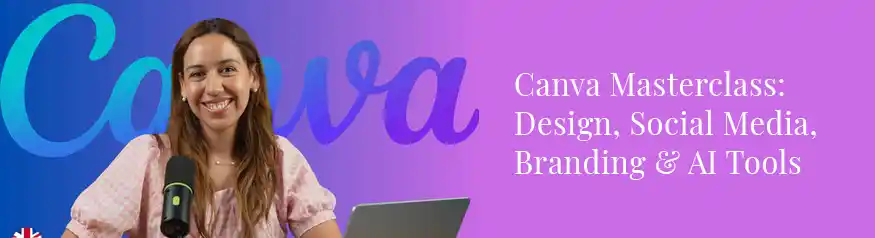
Canva Masterclass: Design, Social Media, Branding & AI Tools
This is the course that covers everything Etsy sellers and digital creators need from Canva in 2026 — design fundamentals, social media graphics, brand identity, and the full AI tools suite, all in a single structured programme. The course is built around real-world use cases rather than abstract theory, meaning every skill you learn maps directly to something you can apply to an Etsy product, a social media post, or a client project immediately.
The branding section is particularly valuable for Etsy sellers — it covers how to build a consistent visual identity across your shop, listings, and social content so that your brand looks professional rather than assembled from random templates. Furthermore, the AI tools section keeps you current with how Canva is evolving in 2026, including text-to-design, background removal, and the Magic Studio suite.
- Etsy sellers who want design, branding, and AI skills in one course
- Creators building a consistent visual identity across shop and social media
- Anyone starting from zero who wants a complete, practical Canva education
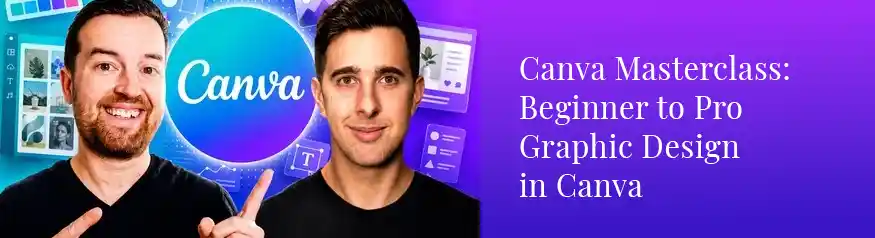
Canva Masterclass: Beginner to Pro Graphic Design in Canva
If the 34-hour Master Course feels overwhelming as a starting point, this Masterclass is the more focused alternative. It covers the essential Canva skills — layout, typography, colour, social media graphics, and basic template creation — without the depth of the full course. The pace is faster, the projects are more practical, and the outcome is a working knowledge of Canva that you can apply to Etsy products within hours of starting.
This course is particularly well-suited to sellers who need results quickly and want to understand Canva’s core tools before committing to a longer programme. It is also a strong choice for anyone who has tried learning Canva from YouTube tutorials but found them too scattered to build a solid foundation.
- Complete beginners who want quick, practical results
- Sellers who want to learn just enough Canva to start listing products
- Anyone who has struggled with scattered YouTube tutorials
Canva Courses Go on Sale Regularly
Most of these courses are available for under $20 during Udemy’s frequent sales. Lifetime access is included — pay once and return to any lesson whenever Canva updates.
Browse Canva Courses →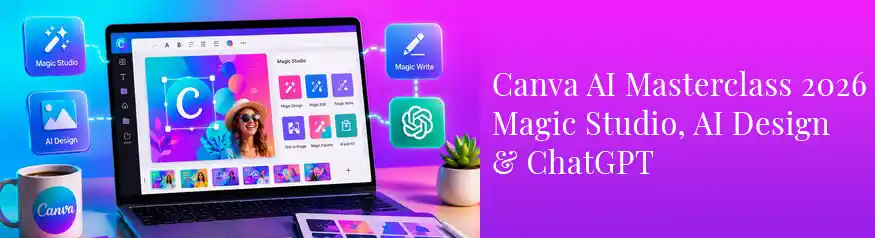
Canva AI Masterclass 2026: Magic Studio, AI Design & ChatGPT
This course is specifically built around Canva’s 2026 AI toolkit — Magic Studio, AI image generation, text-to-design, background removal, and the integration with ChatGPT for writing product descriptions and social copy. If you already know Canva’s core tools and want to understand how AI accelerates the design process, this is the course to take next. Furthermore, the ChatGPT integration section is particularly valuable for Etsy sellers who need to write compelling listing descriptions at scale.
The course also covers how to use AI-generated elements commercially and what licensing considerations apply — information that is essential for Etsy sellers who want to use AI-assisted designs in products they sell.
- Canva users who already know the basics and want AI skills
- Etsy sellers who want to produce designs and listings faster
- Creators building a content and product pipeline using AI tools
Canva Mastery 2026: Design, Branding & Pro Tools
This course takes a business-first approach to Canva — covering not just how to design but how to build a consistent brand that works across every platform. It goes deep on brand kits, colour psychology, font pairing, and creating a visual identity that looks intentional and professional rather than generic. For Etsy sellers, this means a shop that stands out visually from the thousands of competitors using default Canva templates without customisation.
The pro tools section covers Canva’s paid features including background removal, brand voice settings, and content scheduling — useful for sellers who are also managing social media alongside their Etsy shop. With 65,000+ students enrolled, it is one of the most popular Canva courses available.
- Etsy sellers who want a professional, consistent shop brand
- Creators managing both a product shop and social media presence
- Anyone who wants to move beyond generic Canva template defaults
Quick Comparison — Which Canva Course is Right for You
| Course | Level | Students | Best Use Case | Rating |
|---|---|---|---|---|
| Canva Master Course (Ronny & Diana) | All levels | 83,000+ | Complete Canva education, AI tools, templates | 4.6 ★ |
| Canva Masterclass: Beginner to Pro | Beginner | Bestseller | Quick start, social graphics, basic templates | 4.6 ★ |
| Canva AI Masterclass 2026 | Intermediate | 13,000+ | AI design tools, ChatGPT, faster production | 4.5 ★ |
| Canva Mastery 2026 | All levels | 65,000+ | Branding, Canva Pro features, visual identity | 4.7 ★ |
Recommended Path — From Zero to Selling Canva Templates on Etsy
The DivinеWorks Canva Path — For Etsy Sellers
What You Can Create and Sell with Canva on Etsy
The following Canva product types consistently appear in Etsy’s top-selling digital downloads categories in 2026:
- Editable social media templates — Instagram posts, reels covers, Pinterest pins, and story packs
- Printable planners and journals — weekly, monthly, habit tracking, and goal-setting pages
- Wedding and event stationery — invitations, menus, seating charts, and thank-you cards
- Business branding kits — logo templates, business cards, and brand style guides
- Etsy shop graphics — banners, listing images, and shop icons for other Etsy sellers
- Printable wall art — quote prints, affirmation cards, and botanical art
- Digital product mockups — Canva-based device and frame mockups for listing photos
For ready-made Canva template inspiration and products, see the guide to the best Canva templates for Etsy sellers on Creative Market.
Frequently Asked Questions
Do I need Canva Pro to take these courses or sell templates on Etsy?
No. Canva Free is enough to start all four courses and to create your first Etsy templates. Canva Pro adds useful features — background removal, a larger asset library, and brand kit tools — but it is not required to start selling. Most sellers upgrade to Canva Pro once they have consistent revenue from their templates, as the monthly cost is easily offset by a single sale.
How do you sell Canva templates on Etsy if buyers need a Canva account?
You deliver a Canva Template Link in the purchased file. When a buyer clicks the link, Canva prompts them to create a free account (if they don’t have one) and then opens a personal copy of your design for them to edit. Your original stays intact and can be sold to unlimited buyers. The Master Course by Ronny & Diana covers this process in detail, and it is simpler than it sounds.
Can I use Canva designs commercially — in products I sell on Etsy?
Yes, with conditions. Canva’s Content License Agreement allows you to use most Canva elements in commercial products, including Etsy digital downloads. However, some Canva Pro elements (marked with a crown icon) have restrictions on resale when used as standalone templates. The Canva AI Masterclass course covers commercial licensing in detail. The safest approach is to use your own uploaded elements wherever possible and check Canva’s licence page for any element you plan to resell.
How long does it take to learn Canva well enough to sell templates?
Most sellers create their first Etsy-ready template within 4–6 hours of starting the Master Course. Producing a full shop of professional, consistently styled templates typically takes 15–20 hours of focused learning and design practice. The courses in this guide are structured with practical projects throughout, so you are building sellable work from the first few lessons rather than watching theory for hours before applying anything.
Is Canva better than Adobe Illustrator for Etsy digital products?
They serve different product types. Canva is ideal for editable templates — products where the buyer customises the design themselves. Adobe Illustrator is the standard for original vector artwork — stickers, SVG cut files, clipart, and surface patterns. The most successful Etsy shops often use both: Canva for template products and Illustrator for original illustration products. If you are choosing one to start, Canva has the shorter learning curve and the faster path to your first sale. For a full breakdown of Illustrator courses, see the guide to the best online courses for Adobe Illustrator.
Final Thoughts
Canva is the most accessible route from zero design experience to a real income on Etsy. The learning curve is short, the tool is free to start, and editable templates are one of the only digital products that scale without any additional work per sale. The courses in this guide make that path as direct as possible.
Start with the Canva Master Course by Ronny & Diana — it is the most comprehensive, most reviewed, and most regularly updated Canva course available in 2026. If you already know the basics, go straight to the Canva AI Masterclass and start using the tools that give your designs a speed advantage over sellers still working manually.
For more learning resources across the tools Etsy sellers use most, see the full guide to the best online courses for Etsy sellers and digital artists.
Start Learning Canva Today
All four courses in this guide are available with lifetime access. Most are under $20 during Udemy’s regular sales — and your first Etsy template sale can cover the cost of the course.
Browse Canva Courses →This post contains affiliate links. If you enrol through a link on this page, DivinеWorks may earn a commission at no extra cost to you.