Best Clip Studio Paint Courses on Udemy in 2026 (Beginner to Pro)
Disclosure: This guide contains affiliate links. If you enrol through them we earn a small commission at no extra cost to you. We only recommend courses we believe deliver real value.
Clip Studio Paint is the industry-standard app for illustration, manga, comics and webtoons — but its deep toolset is exactly what overwhelms beginners. Watching scattered free videos leaves gaps; a structured course gets you drawing confidently in days instead of months. The problem is that the right course for an absolute beginner is not the same one a manga creator or a serious illustrator needs.
So we compared the best Clip Studio Paint courses on Udemy by who they actually suit — from your very first canvas to finished, professional-quality artwork. Pick the one that matches your goal below and skip the trial-and-error.
Want one course that takes you from zero to a finished comic? Clip Studio Paint — Essential Training Course is our overall pick: it covers Pro vs EX, the manga and panel tools, layers and story pages in a clear, build-a-real-project order.
View Course on Udemy →Affiliate link — small commission at no extra cost to you.
The 3 best Clip Studio Paint courses, by skill level
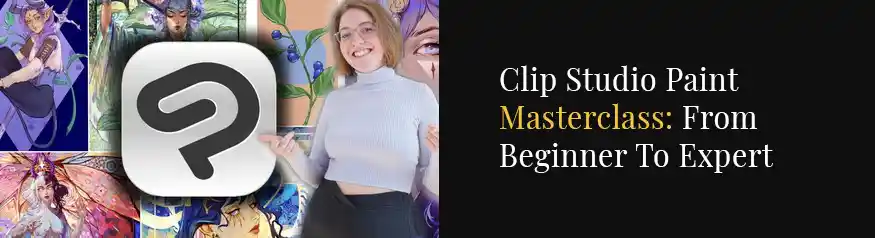
Best complete all-in-one masterclass — Clip Studio Paint Masterclass: From Beginner to Expert
If you want a single, structured course that takes you all the way from your first canvas to confident, finished artwork, this is it. The masterclass builds up methodically — setup and workspace, brushes, layers, line art, colouring and finishing — so nothing feels intimidating and you never hit a gap in your knowledge. The best pick if you’d rather learn the whole app properly in one place.
View Course on Udemy →Affiliate link — small commission at no extra cost to you.
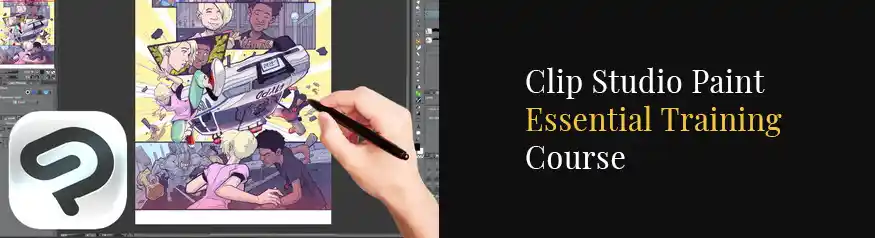
Best overall & best for manga/comics — Clip Studio Paint: Essential Training Course
Our top pick for most people. It walks you through Pro vs EX, document setup and the workspace, then the basic and advanced tools — brushes, the dedicated manga tools, layers and story pages. You finish the course able to build a full comic or manga from scratch, which makes it the best single choice if comics or webtoons are your goal.
View Course on Udemy →Affiliate link — small commission at no extra cost to you.
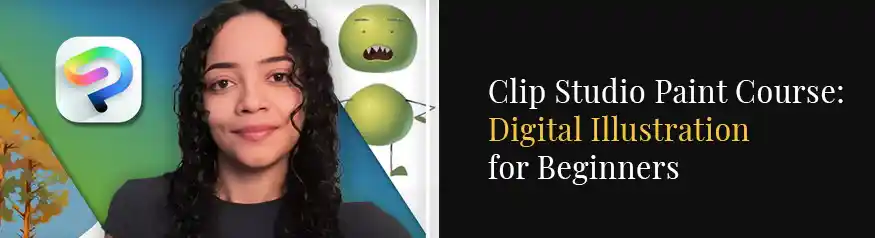
Best for drawing & illustration skills — Complete Clip Studio Paint Megacourse: Beginner to Expert
The deep dive. It starts from opening the program for the first time and goes all the way to finalising and saving a polished illustration — teaching you to draw humans, animals, backgrounds and even anthropomorphic and fantasy creatures along the way. Choose this if you want broad illustration skills, not just software basics, and you are happy to invest more hours.
View Course on Udemy →Affiliate link — small commission at no extra cost to you.
You’ll also need the software: Clip Studio Paint
A course only helps if you can follow along in the app itself. Clip Studio Paint is the software every one of these courses is built around — choose PRO for illustration, or EX if you’re making multi-page comics, manga or webtoons. Start with the free trial so you can practise while you learn, then keep it with a one-time purchase (usually better value than subscribing).
Get Clip Studio Paint (Free Trial) →Affiliate link — small commission at no extra cost to you.
Brand new to the app? Start with our free walkthrough: Clip Studio Paint for Beginners.
Compare the 3 courses at a glance
| Course | Best for | Level | Focus |
|---|---|---|---|
| Clip Studio Paint Masterclass | One complete A–Z course | Beginner → Expert | Whole app, start to finish |
| ⭐ Essential Training Course | Most people / comics & manga | Beginner → Advanced | Build a full comic |
| Complete Megacourse | Drawing & illustration skills | Beginner → Expert | Draw humans, animals & creatures |
How to choose the right Clip Studio Paint course
- Want one course that covers everything? The Clip Studio Paint Masterclass takes you from beginner to expert in one place.
- Want to make manga, comics or webtoons? The Essential Training Course is the most direct path.
- Want to become a strong all-round illustrator? The Complete Megacourse gives you the most range.
Whichever you pick, install Clip Studio Paint first so you can practise every lesson as you go.
More Learning Resources at Divine Works
Frequently Asked Questions
All three start from the basics, but the Clip Studio Paint Masterclass (01 above) is the easiest single starting point — it sets up the software and teaches the workspace, brushes and layers step by step before moving into more advanced techniques. If comics are your goal, the Essential Training Course works just as well from zero.
Cost & access
How much do Clip Studio Paint courses cost on Udemy?List prices vary, but Udemy runs frequent site-wide sales where most courses drop to around $15. Every course includes lifetime access, so you can learn at your own pace and revisit lessons any time.
Do I need Clip Studio Paint PRO or EX to follow these courses?PRO is enough for general illustration. Choose EX if you plan to make multi-page comics, manga or webtoons. You can start on the free trial and upgrade once you know which version fits your work.
Choosing a course
Is Clip Studio Paint good for manga and webtoons?Yes — it’s the industry standard for comics, with dedicated panel, screentone and (in EX) webtoon-export tools. The Essential Training Course focuses specifically on building a full comic or manga.
Can I learn Clip Studio Paint for free instead?You can piece it together from free videos, but a structured course saves weeks by teaching the tools in the right order with real projects. Pair any course with our free Clip Studio Paint for Beginners guide to get started today.