Best Drawing Tablet for Webtoons & Manga in 2026 (The Complete Beginner’s Toolkit)
Disclosure: This guide contains affiliate links. If you buy through them we earn a small commission at no extra cost to you. We only recommend gear and tools we’d actually use to make comics.
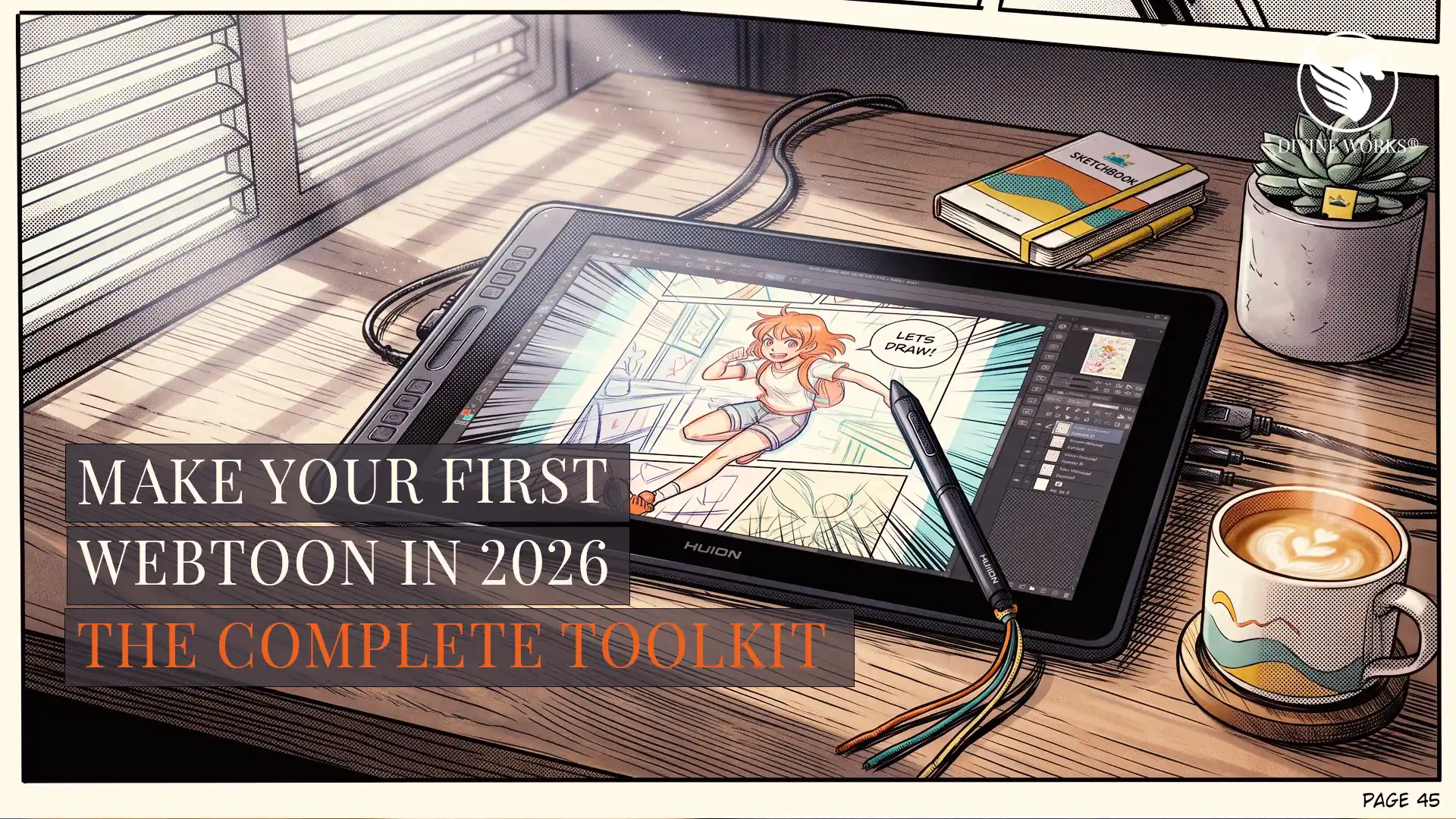
Making a webtoon or manga is different from regular digital painting. You’re not making one picture — you’re producing dozens of panels, keeping characters consistent, laying down screentones, and exporting long vertical strips that scroll cleanly on a phone. The right setup makes that fast and fun. The wrong setup makes you quit on episode two.
This is the complete 2026 starter toolkit: the tablet features that actually matter for panel work, the one piece of software every serious webtoon and manga creator uses, and the screentones and course that get you from blank page to published episode in weeks instead of months.
Clip Studio Paint EX is the heart of the toolkit. For webtoons and manga the software matters more than the tablet — EX handles multi-page chapters, webtoon-format export, native screentones, and panel tools that PRO simply doesn’t have.
Get Clip Studio Paint EX — Free Trial →Affiliate link — we earn a small commission if you purchase, at no extra cost to you.
Why Clip Studio Paint EX is the heart of the toolkit
Understand this first: the software matters more than the tablet for comics. You can make a great webtoon on a cheap tablet and superb software. You cannot make one easily on an expensive tablet and the wrong app.
For webtoons and manga, the industry standard is Clip Studio Paint EX — specifically the EX tier, not PRO. Here’s why EX is worth it for comics:
- Multi-page & story management — handle a whole chapter in one file instead of juggling dozens.
- Webtoon export — output long vertical strips at the exact dimensions Webtoon, Tapas and others require.
- Panel & frame tools — split panels, add gutters and manage layouts in seconds.
- Screentones done right — apply, clip and edit halftone tones natively (the look that defines manga).
- 3D models & perspective rulers — pose figures and nail backgrounds without redrawing from scratch.
- Word balloons & text tools — purpose-built for dialogue, sound effects and lettering.
PRO is great for single illustrations, but multi-page comic management, webtoon export and unlimited animation frames are EX features — which is exactly the comic-making workflow.
New to the software itself? Learn the interface first with our Clip Studio Paint for Beginners guide, then come back to build your comic.
What to look for in a tablet for webtoons & manga
Comic work has different hardware priorities than painting a single illustration:
- Screen size matters more than usual. You constantly zoom in for line-art and out to check the panel — aim for 13″ minimum, 16″+ if you can.
- Tilt + high pressure levels for clean, tapered inking lines.
- A comfortable angle for long sessions — a propped-up screen beats hunching over a small pad.
- Screen vs screenless. A pen display makes the precise inking and lettering comics need much easier.
You do not need to overspend. Huion pen displays give you big, color-accurate screens at a fraction of Wacom’s price.
The toolkit — 4 things that convert a beginner into a creator
Clip Studio Paint EX — the software
Layout, panels, screentones, lettering and webtoon export in one app. This is the non-negotiable core of every comic workflow.
Get Clip Studio Paint EX →Affiliate link — small commission at no extra cost to you.
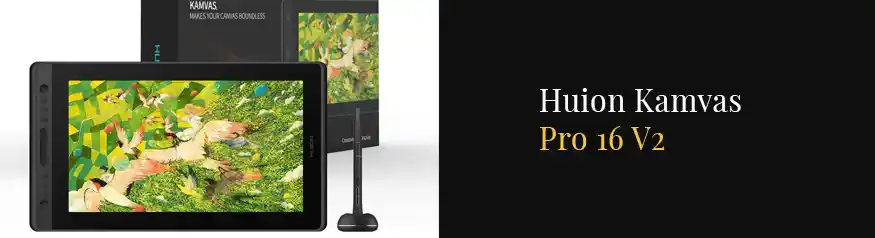
Huion Kamvas 16 (Gen 3) — the tablet
Big enough for comfortable panel work without dominating your desk, and color-accurate for finished pages. Want bigger? The Kamvas 22 gives you 21.5″. Testing the waters? The ~$55 Inspiroy 2 M is the cheapest way to start.
Check Latest Price →Read our full Kamvas 16 Gen 3 review and Kamvas 22 review · Huion vs Wacom comparison.
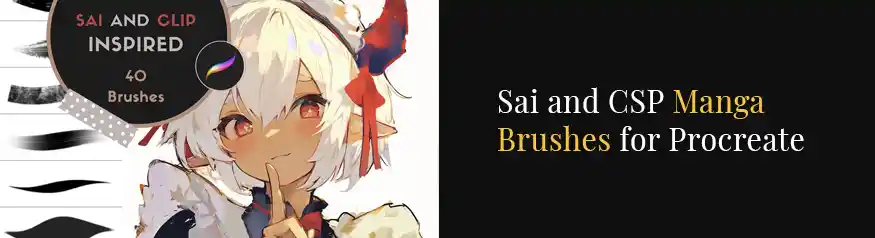
Screentones & manga brushes — the pro look
The shortcut beginners skip. Ready-made screentones, speed-lines, focus lines and speech bubbles instantly make amateur pages look like a real series — and save dozens of hours per chapter.
Browse manga screentone packs →Also grab speed-line & speech-bubble packs. Affiliate links.
A webtoon/manga course — the workflow
Knowing how to draw isn’t the same as knowing how to produce and publish: episode dimensions, panel pacing for vertical scroll, lettering, exporting and uploading. A focused course compresses months of trial-and-error into a weekend.
Take a webtoon course on Udemy →Affiliate link — small commission at no extra cost to you.
Your complete webtoon starter setup at a glance
| Need | Our pick | Why | From |
|---|---|---|---|
| ⭐ Software | Clip Studio Paint EX | Industry standard for comics, webtoons & manga | Free trial |
| Tablet (all-rounder) | Huion Kamvas 16 (Gen 3) | Big enough for panels, color-accurate, great value | ~$499 |
| Tablet (budget) | Huion Inspiroy 2 M | Cheapest way to start your first episode | ~$55 |
| Assets | Screentones & manga brushes | Pro look in one click | ~$15 |
| Skills | Udemy webtoon/manga course | Learn the full workflow fast | ~$15 |
Don’t-forget accessories
- Drawing glove — reduces friction and smudging during long inking sessions. See on Amazon.
- Adjustable stand — an angled screen saves your neck and wrist over multi-hour sessions. See on Amazon.
Get the core of your studio set up in minutes — start the free trial, then add a tablet and one screentone pack.
Start with Clip Studio Paint EX →Affiliate link — small commission at no extra cost to you. Cancel anytime.
More Design Resources at Divine Works
If this toolkit helped, these related guides cover the software and hardware in more depth:
Frequently Asked Questions
For webtoons and multi-page manga, choose EX. It adds multi-page story management, webtoon-format export and unlimited animation frames that PRO doesn’t have. Start with the free trial to confirm it fits your workflow.
Tablet & hardware questions
What size tablet is best for making manga or webtoons?Aim for at least a 13″ screen, ideally 16″ or larger. Comic work involves constant zooming between fine line-art and full-panel views, so a bigger, color-accurate display like the Huion Kamvas 16 or 22 is far more comfortable than a small pad.
Can I make a webtoon on a cheap tablet?Yes. You can start on a ~$55 screenless tablet like the Huion Inspiroy 2 M paired with Clip Studio Paint EX. The software matters more than the hardware — upgrade to a screen tablet once you know you’re committed.
Do Huion tablets work with Clip Studio Paint EX?Yes, fully — on Windows and macOS. Install the latest Huion driver first and CSP will read full pen pressure and tilt. See our tablet setup guide for the exact steps.
Workflow & assets questions
What are screentones and do I need them?Screentones are the dotted/patterned shading that gives manga its signature look. Clip Studio Paint EX creates them natively, and ready-made screentone and brush packs (e.g. from Creative Market) speed up shading dramatically and make pages look professional.
How long does it take to make a webtoon episode?With the right setup — EX for layout, screentone packs for shading and a course to guide your workflow — a beginner can produce a short episode in a few days to a week, dropping further as you build a reusable asset and character library.